All articles

The product launch video checklist: from brief to final cut

A practical checklist for founders and marketing teams planning a launch video — what to prepare, what to decide early and what to ask for at delivery.

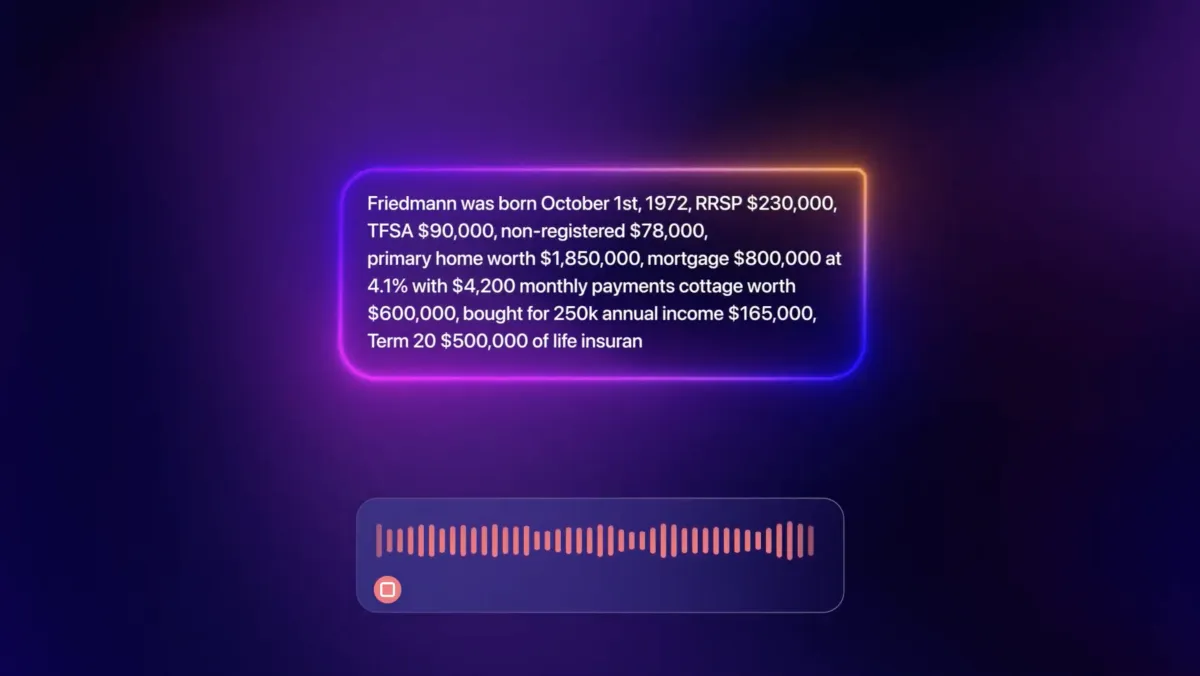
Frame from the launch video TimeFrame made for FriedmannAI

A launch video is usually made under pressure: a fixed date, a product that is still changing, and many people with an opinion. A clear checklist keeps the project calm. This is the one we walk through with teams before production starts.

Before the first call

  • One sentence about the product. If you had to explain it to a smart friend outside your industry, what would you say?
  • The audience. Who exactly should feel "this is for me"? Role, company size, the problem they live with today.
  • The goal. Sign-ups, demo requests, investor attention, press? A video that tries to do all of them usually does none well.
  • Placements. Homepage, Product Hunt, paid social, sales deck, event screen — each changes format and length.
  • The date. And whether it is truly fixed. Working backwards from it defines the whole schedule.

Materials that save days

  • Brand assets: logo files, fonts, colour palette, any motion or illustration guidelines.
  • Product access: a demo account or recordings of the key workflows, plus high-resolution UI screens.
  • Existing messaging: your homepage copy, pitch deck and the phrases sales calls keep repeating.
  • References: two or three videos you love — and one you don't. The second is often more useful.

Decisions to make early

  1. Real UI or stylised UI? Real screens build trust; a simplified interface ages better and focuses attention. Many launches use both.
  2. Voiceover or text-only? Voiceover carries more information; text-led films work muted on social. Decide before scripting.
  3. 2D, 3D or a mix? 3D shines for hardware and spatial metaphors; 2D motion is faster to iterate for software.
  4. How many cuts? Plan the master film and the shorter edits together — it is far cheaper than cutting down later.

During production

  • Approve the script and storyboard first. It is the cheapest place to change direction — see concept before commitment.
  • Name one decision-maker. Feedback from five people should arrive as one consolidated list.
  • Freeze the UI. Agree which version of the interface appears on screen, even if the product keeps moving.
  • Review on the target device. A film for mobile feeds should be judged on a phone, not a 27-inch monitor.

At delivery

  • Every format you need: 16:9, 1:1, 9:16 and 4:5 as planned, with safe areas respected.
  • Captions as burned-in versions and as separate subtitle files.
  • A silent-friendly cut for autoplay placements.
  • Source and project files if your team will update the video later.
  • Compressed web versions — a homepage hero should be light enough to load instantly.

The one thing most teams forget

The launch is not the end of the video's life. The same assets can become onboarding clips, feature announcements, sales follow-ups and conference loops. Ask your studio to keep the project modular so the next update is an edit, not a new production.

Planning a launch? Book a call and we will go through this list with you — and turn it into a concrete timeline.

Let's find the right video for your product

30 minutes with the team. We'll explore your product, audience and goals — and suggest a concept.

Book a Call